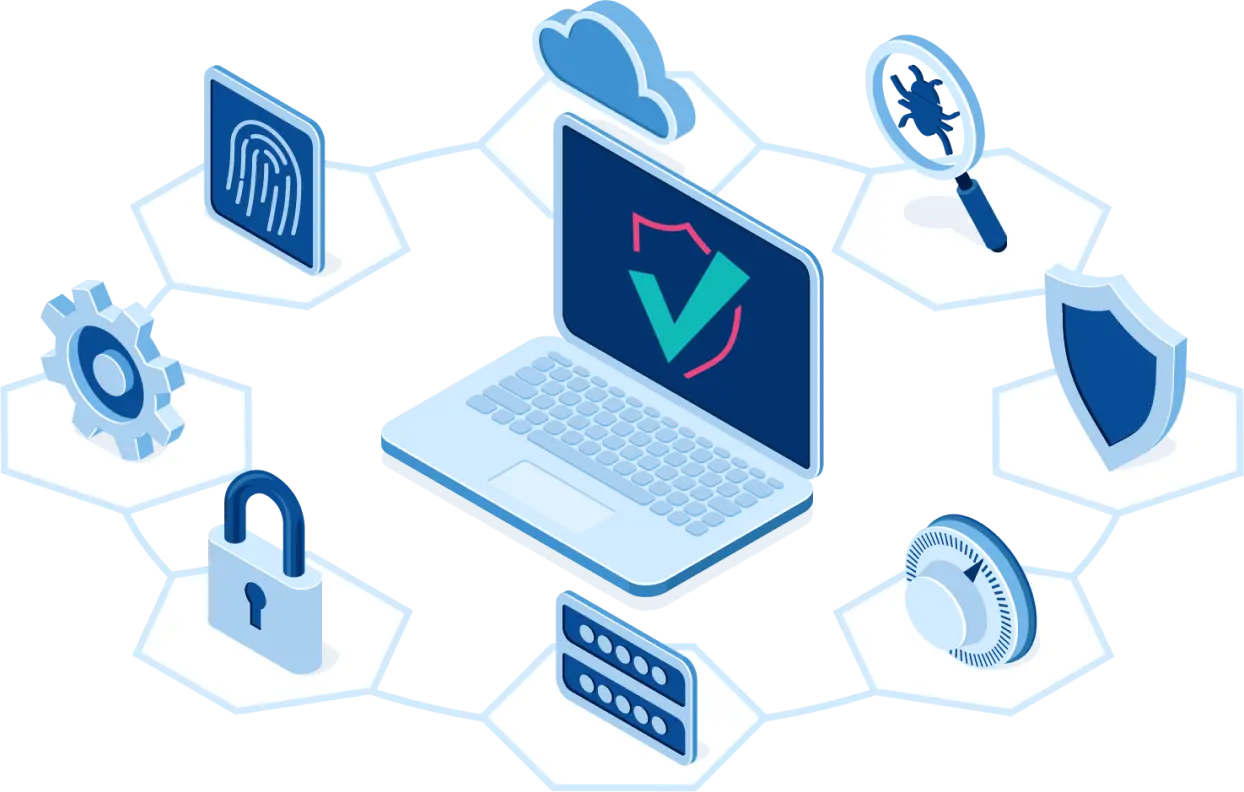
Cyber hygiene

Cyber hygiene refers to a set of skills and knowledge that reduce the risks of being online. This concept consists of several components. It is important to be aware of the threats that await users on the Internet. Cyber hygiene avoids many dangers.
Each user must understand that working on the Internet is fraught with certain risks. Awareness of this fact avoids many problems. Any user can be attacked by scammers.
Account security
All users have accounts - these are pages in the social. networks, email. These include all logins that require a password.
No one should know your password or be able to guess it - this is one of the main rules of cyber hygiene. Reliability is the basis of security. At the same time, the user himself should not forget or lose it.
Login with a password are the main doors of the castle, they will be stormed in the first place. General protective mechanisms are represented by the system itself or the site: it blocks access after several unsuccessful attempts, limits the time intervals between attempts. With the help of the "I'm not a robot" check, the strength of the password and the correctness of its handling are evaluated. But if the password is not strong, no general protection will help.
The main tools of cyber hygiene are anti-virus programs. You need to understand how to detect a virus on a computer and how to use such defenders correctly, what to do if there is a suspicion of infection.
It is necessary to take care of protection against malicious emails that regularly come to e-mail, phishing resources.
Phishing emails contain files that look like simple documents, but in reality they are programs. One has only to make an attempt to open them, and they are activated on behalf of the user. Will begin to fulfill its purpose by opening access to your PC or smartphone.
Since they were activated on your behalf, the attacker will have the same rights as you. Or links to phishing resources may be hidden in messages.
Phishing sites are sites that look indistinguishable from real ones, designed to enter a password and login. One has only to enter them, and they will be with the attackers. Many of these resources are very difficult to distinguish from genuine ones, but there is always a clue.
Internet safety rules
When using the Internet, observe the following rules:
- Recognize the actions of intruders and do not follow their lead.
- Manage your data.
- Stay vigilant.
- Do not neglect the use of antivirus programs.
Data entry must be deliberate. Learn to recognize phishing resources from genuine ones. Don't run Trojans. Do not give in to the requests of "acquaintances" and "relatives" for an urgent transfer of money without first making sure that it is they.
The protection of personal data on the Internet is very important, control its distribution. Limit access to them. The vast majority of personal data leaks are due to the negligence of the owners themselves..
Not so long ago, there was a scandal related to the leakage of personal data at the MFC. This happened because the owners of the documents used shared computers to upload them to the system, after which they did not take care of deleting them. As a result, an impressive archive of “forgotten” documentation accumulated on the shared computers in the MFC, and any of the visitors could make a copy to themselves on removable media.
Be aware of your actions and react in a timely manner if something goes wrong. Examine your computer and the programs installed on it.
Children cybersecurity
Cyber hygiene is important not only for adults, but also for children, because they also spend a lot of time on the Internet. And the majority of young netizens do not have the necessary knowledge and skills in the field of cybersecurity.
The development of skills for safe contacts with the virtual environment should be started as early as possible. With this approach, the child will become a habit.
Many parents find themselves in a situation where their child "hangs" watching videos on the network. Adults express disapproval that the child devotes too much time to this activity. And the selected content does not always suit them. The child answers this to his parents: “If there were online videos in your childhood, you would watch them too.
A large number of people do not part with smartphones. Gadgets for them act as a sense organ that provides a connection with the Internet. They have matured with the global network, it has become an integral part of their lives. In the Internet space, they form a personal image. And the vast majority of users go online through the phone - this also applies to children.
The problem is that many people forget about cyber hygiene. Parents try to instill independence in their child, but natural anxiety does not leave them.
Where danger lurks?
Taking into account the peculiarities of children and adolescents' online behavior, their needs, it is important to focus on anonymity and privacy, to protect the reputation.
The UniSafe Kids parental control application will allow you to avoid many problems when your child is online.
Adults will always know:
- how much time their child spends on the Internet;
- what sites he visits;
- what applications does it use.
The benefits of UniSafe Kids have already been appreciated by many parents who are worried about digital security, striving to protect personal data.
All teenagers know that there are a lot of scammers on the Internet. They are much more interested in what attackers can steal from them, and what harm hacker attacks can do to them.
The results of one of the studies conducted by Proofpoint (a corporation engaged in the production of solutions that provide email security), less than 1% of all attacks are based on system vulnerabilities.
The vast majority of attacks occur due to the fault of the human factor. Technical means of attack control are constantly being upgraded, automated systems make it possible to respond in a timely manner to a large percentage of incidents, but this does not apply to erroneous and negligent actions of the users themselves, non-compliance with digital security rules.
Cyber hygiene skills have long been a necessity. But it takes time to form them, so you need to acquire the necessary knowledge and skills now.
What about parents and teachers? Set bans, make checks, or let go? First of all, understand that it is unrealistic to establish complete control over the child's behavior on the network.
But adults are obliged to become an authoritative information source. Cyber hygiene for children cannot be neglected, especially considering that the line between reality and the virtual world has long ceased to be clear.
Basic Digital Security Practices
Reliable protection of personal data will make it possible to avoid serious problems, theft of funds, documents.
Rules of conduct on the Internet for children and adults will help prevent contact with intruders.
Here are 10 basic information security techniques that kids and teens need to know and talk about. Basic cyberhygiene practices for children and adults include:
- Make sure that your smartphone does not fall into the hands of strangers who supposedly need to make an urgent call. If a stranger has access to your unlocked gadget, this can be fraught with problems.
- Use long and strong passwords, biometrics and two-factor authentication when making payments and making money transactions. The use of convenient passwords that consist of 3-4 letters can end badly.
- Spread less about yourself online. Do not provide strangers with unnecessary information. Fraudsters can use the information they receive and attack you.
- Reject friend requests on social media. networks. Such recklessness can lead to a flood of advertising mailings and this is only one of the unfavorable scenarios for the development of events.
- Control the applications installed on your smartphone, monitor what they have access to. The new game does not need to know your location or have access to the camera.
- Do not forget to update programs and software on all devices. Their creators do not work in vain, in the updated versions not only the design changes, they become less vulnerable to attacks by intruders.
- Be careful when opening emails if they come from unknown addresses. This can lead to infection.
- Use public Wi-Fi networks carefully when using mobile banking. In hotels and other places of recreation, you can often meet those who strive for easy money.
- Do not install "broken" software from unreliable resources.
- Control the purchases your child makes online.
If there is a child in the family, install the UniSafe Kids parental control application on their phone. With such a program, you can not worry about the safety of your child when he is online. UniSafe Kids will prevent your child from visiting unwanted sites and limit the time he spends on the Internet. It will help to ensure digital security, protect personal data.
Share:
Report Incident Cybersecurity
Please use this platform to notify us of cyber incidents, including data breaches or attacks. Incident response is an important part of ensuring cybersecurity and protecting your data and systems from threats.